 Cadence
All your data in one place
Classrooms, teachers, student groups, subjects and their levels. A group can only study a subject its level teaches, and a group can require a specific teacher.
Cadence
Cadence turns your classrooms, teachers, groups and subjects into a complete weekly timetable, by hand or automatically, then prints it. All on your own computer, with no account and no internet.
Windows 64-bit · One-time activation · Works fully offline afterwards
Master data, manual planning, automatic planning, conflict checking and printing, all in one desktop app.
Classrooms, teachers, student groups, subjects and their levels. A group can only study a subject its level teaches, and a group can require a specific teacher.
Place sessions on a weekly timeline with variable 60, 90 or 120-minute durations. Switch the planner between room, teacher, group and level lanes.
Describe your requirements and let the built-in planner draft a full week. Review it as a preview before applying it, and keep manual control of the result.
Teacher, room and group clashes, plus out-of-availability placements, are refused before a session is saved: illegal states become unreachable, not error messages.
Weekly timetables per room, teacher cards, group and level sheets, and more. A4 landscape, one page per room, light on ink, straight to paper or PDF.
Arabic with full right-to-left layout, French and English. Your data lives in a local database file on your machine. Nothing is uploaded anywhere.
The planner, the automatic planning preview and a printed timetable.
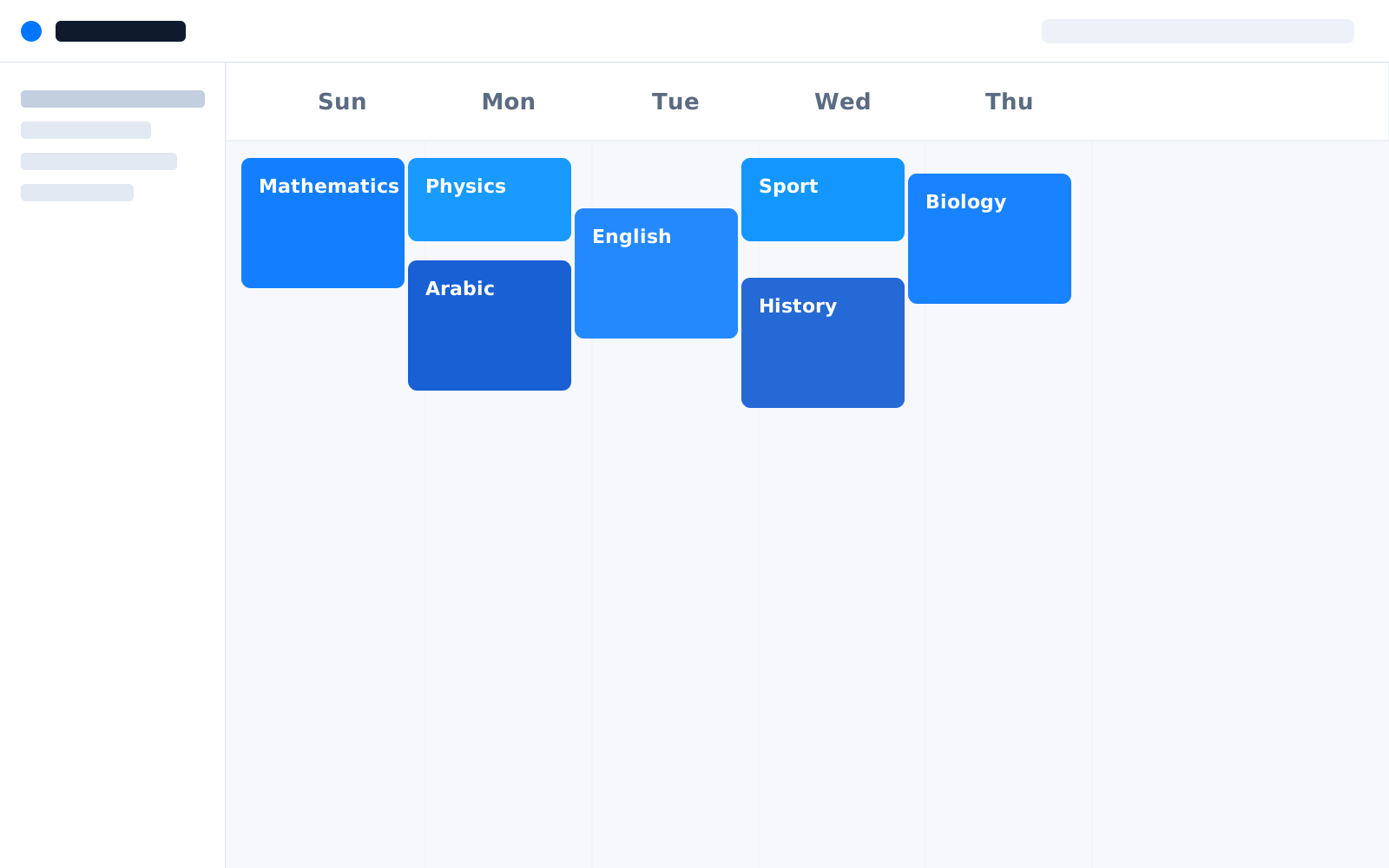
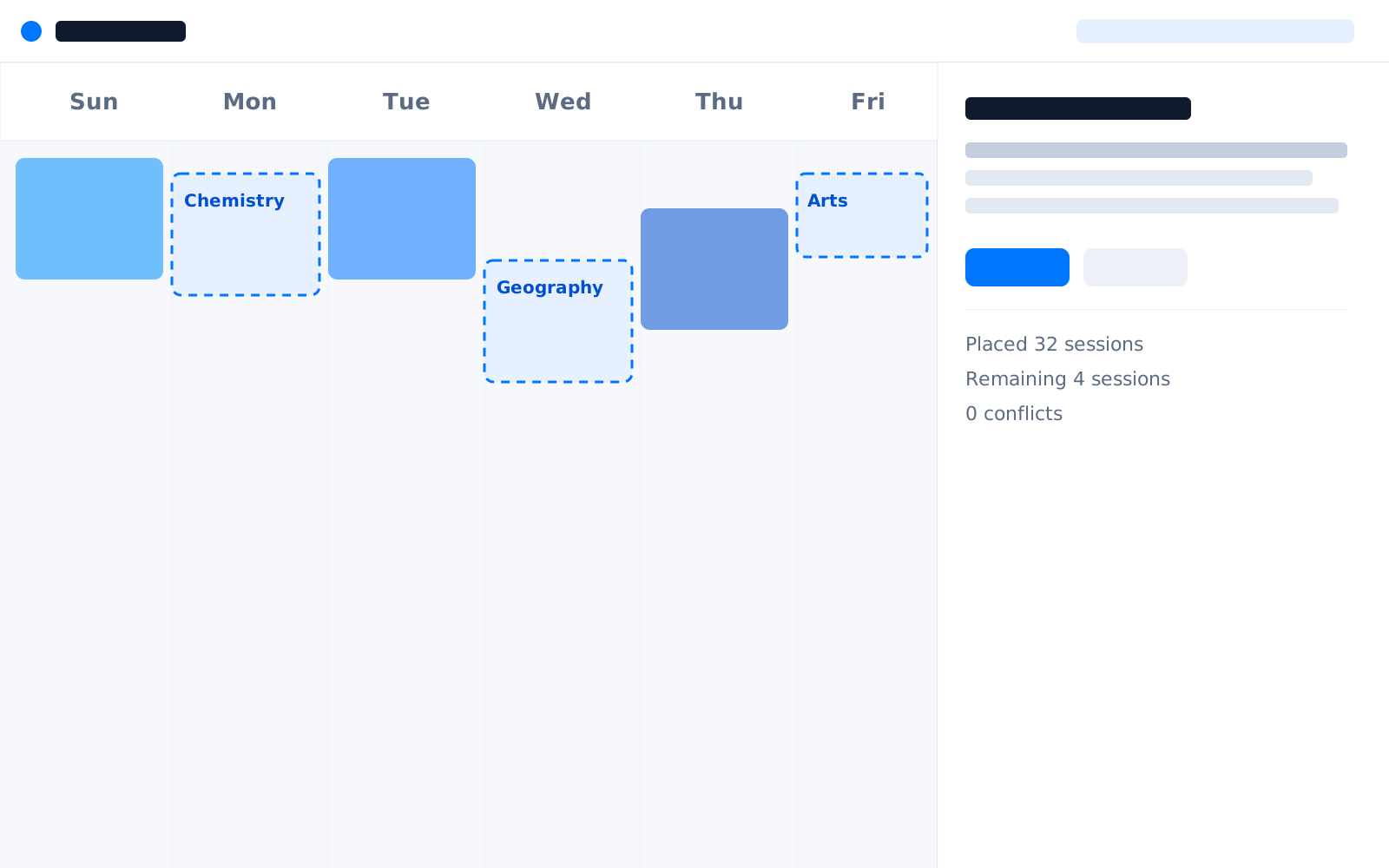
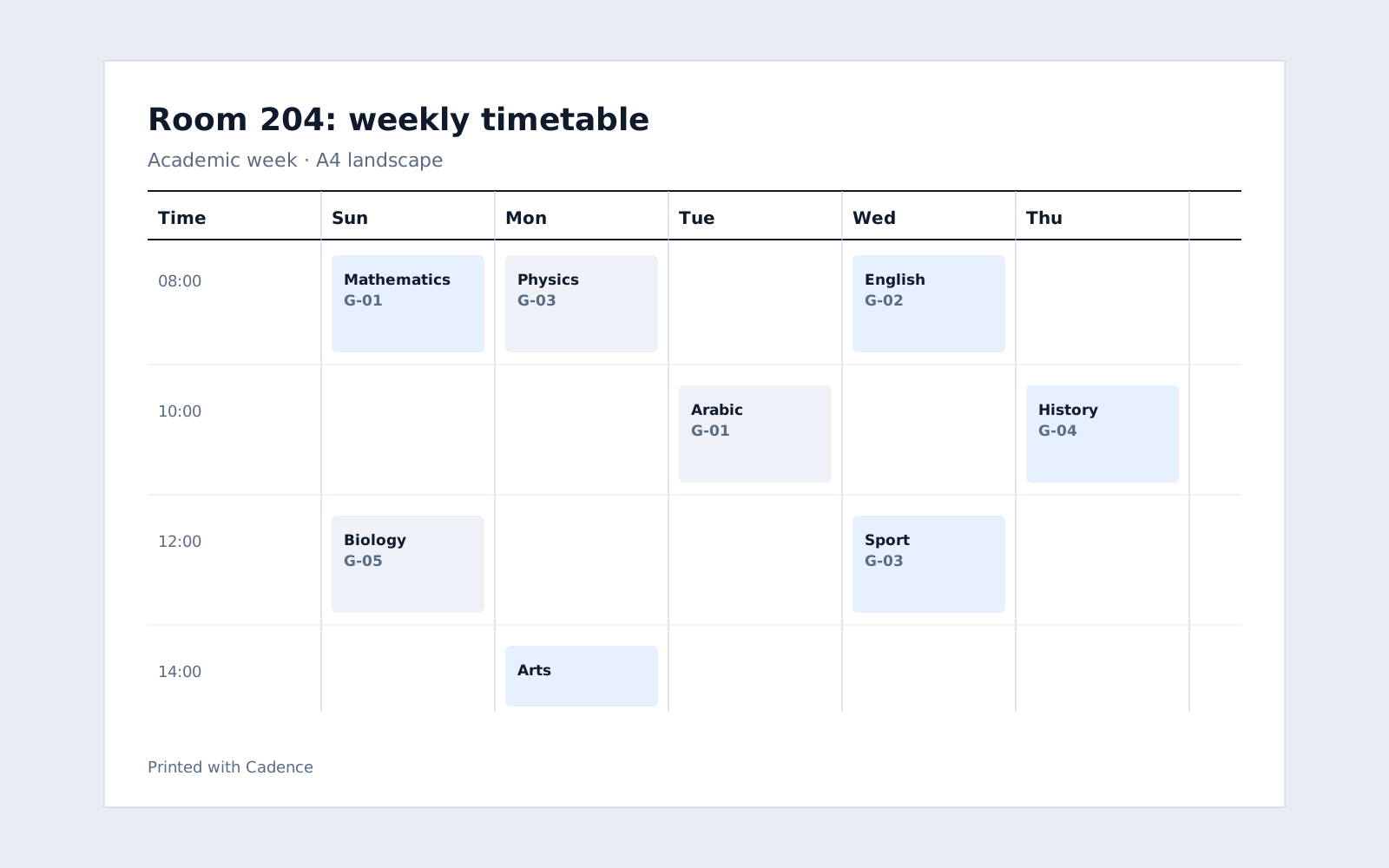
Cadence is activated once, online, and then runs entirely offline forever.
Run the Windows installer. It is a normal setup: choose a folder and click through.
Enter the license key you received, one time, while connected. Cadence binds the license to the machine.
Every later launch is verified locally. No internet, no subscription, no expiry.
Cadence is currently available for Windows 64-bit. Versions for other platforms will be announced here.
Yes. After a single online activation, Cadence runs fully offline on that machine and never needs to check in again.
Arabic (with a complete right-to-left interface), French and English. You can switch language at any time without reinstalling.
In a local database file inside your Windows user folder. It is never uploaded, and you can back it up or move it by copying the file.
A license activates one machine. To move it to another computer, deactivate it on the old one first, then activate the new one.
Download Cadence and have a full week planned before the coffee gets cold.